Stage 01 · Capture

Record lectures and transcribe them on your iPhone.

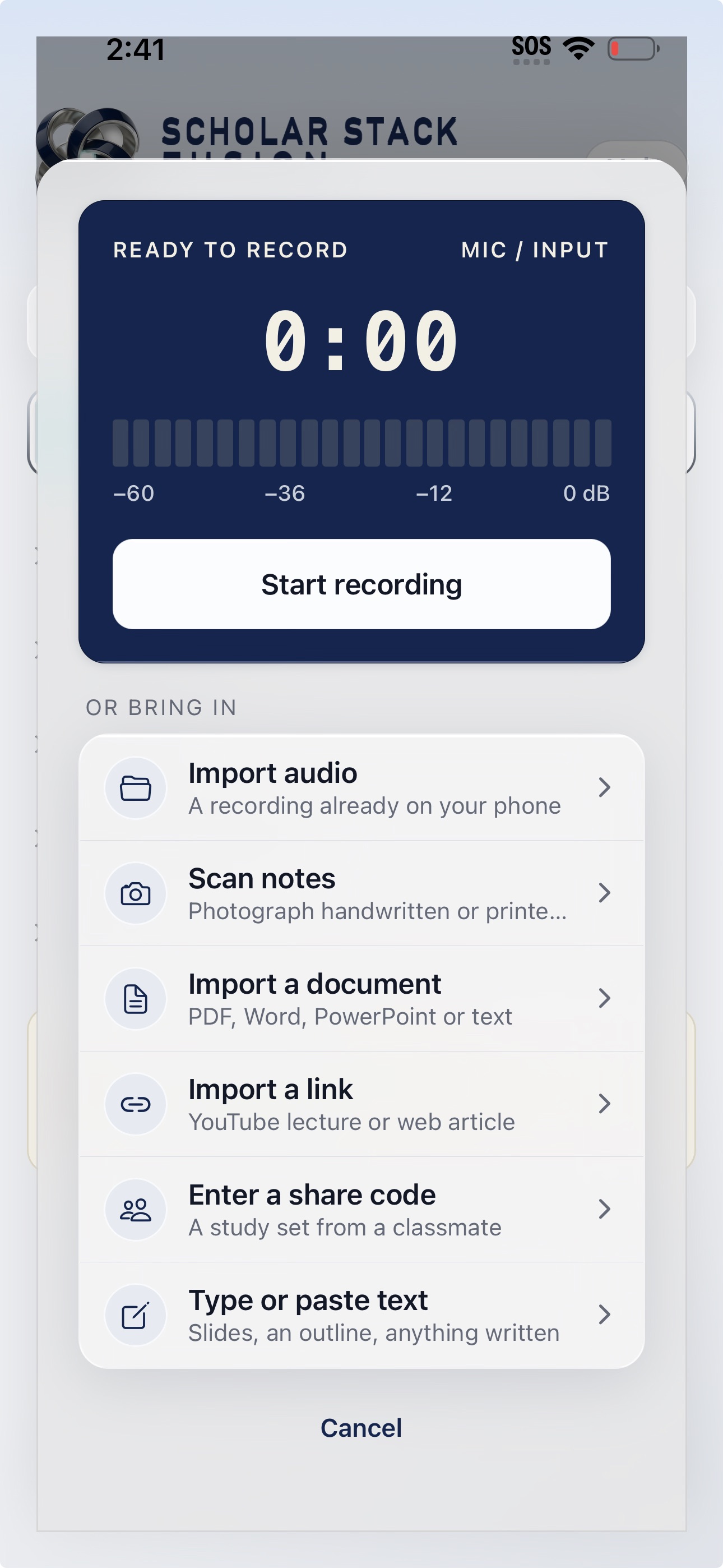
Capture is where Fusion starts. Record a lecture in the app and transcribe it on your device, as often as you like, on every plan. With on-device transcription, the lecture audio stays on your phone. You can also import PDFs, Word documents, slides and web links.
See what Free includes Next: Outlines →
Fusion recorder: Ready to record panel with timer, level meter and Start recording button, plus options to import audio, scan notes, import a document or link, enter a share code or paste text
The recorder

Two ways to transcribe a lecture.

Live capture

Recording you can see working.

A live input meter from −60 to 0 dB and a running timer. You can tell at a glance that it is picking up the room.

On-device

On-device transcription: unlimited.

The transcript is made on your phone, on every plan, including Free. The lecture audio does not leave your phone for this step.

Cloud, when you choose it

Cloud transcription: for hard audio.

Long or noisy recording? Cloud transcription is more accurate. Free includes 60 minutes in total. On paid plans it uses study credits: 10 credits per minute.
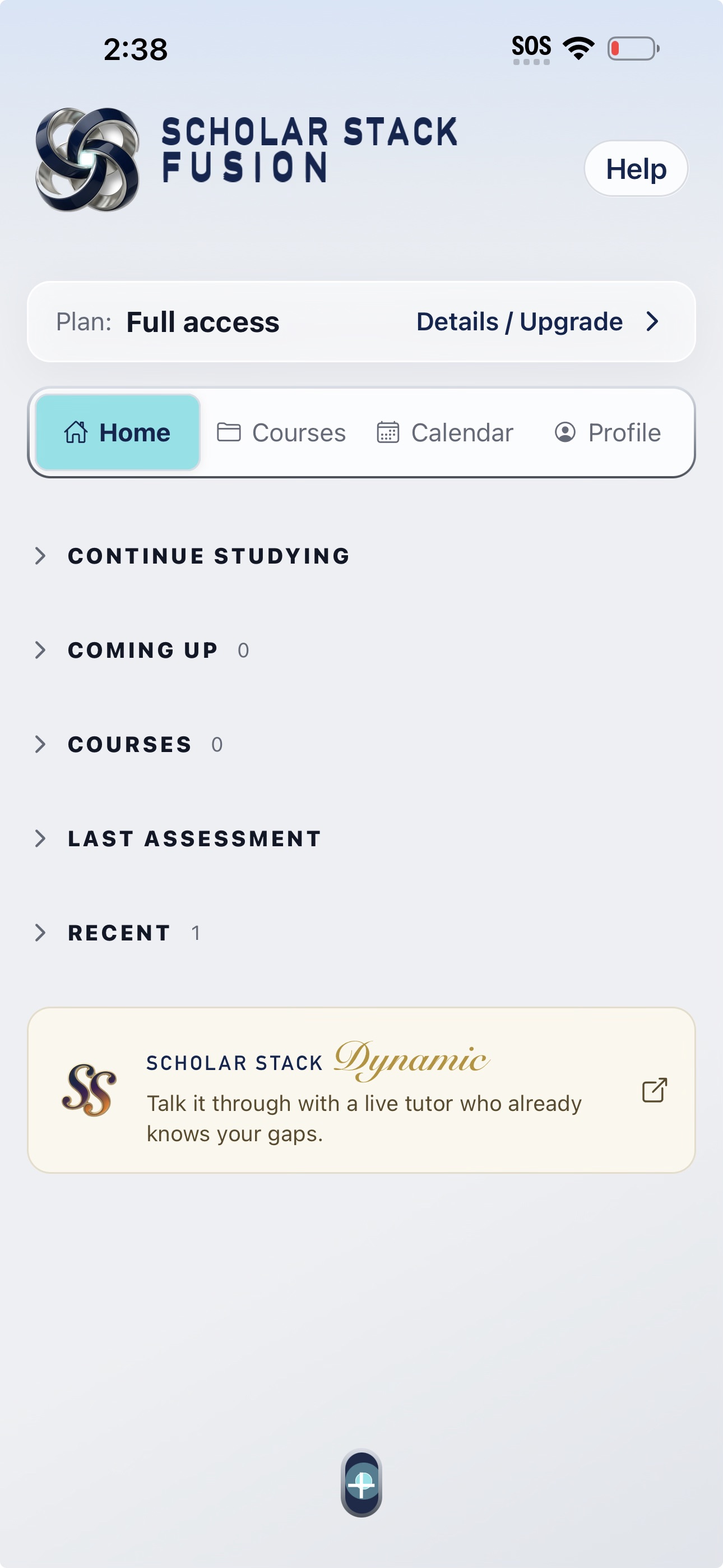

Fusion home screen with Continue studying, Coming up, Courses, Last assessment and Recent sections
Bring it in

Not recorded in the app? Import it.

Documents and slides. Import PDFs, Word documents and slide decks.
Web links and calendars. Add a web link, or a Canvas calendar feed for your course dates.
A transcript you can trust. Transcripts are editable and proofread, with playback, so you can check any line against the audio.
Everything lands in your course folder: the transcript, the outline, and every study tool built from it. How Fusion organizes a lecture
Next stage

The transcript becomes an outline.

Fusion is coming soon to iPhone and iPad
Outlines and summaries → All of Fusion