Stage 03 · Practice

AI flashcards from your lectures.

Fusion makes flashcards from the outline of your own lecture: your professor's material, your course's emphasis. Review them with spaced repetition, so each card comes back when it is due. The deck editor lets you change anything.
See flashcard limits by plan Next: Practice tests →
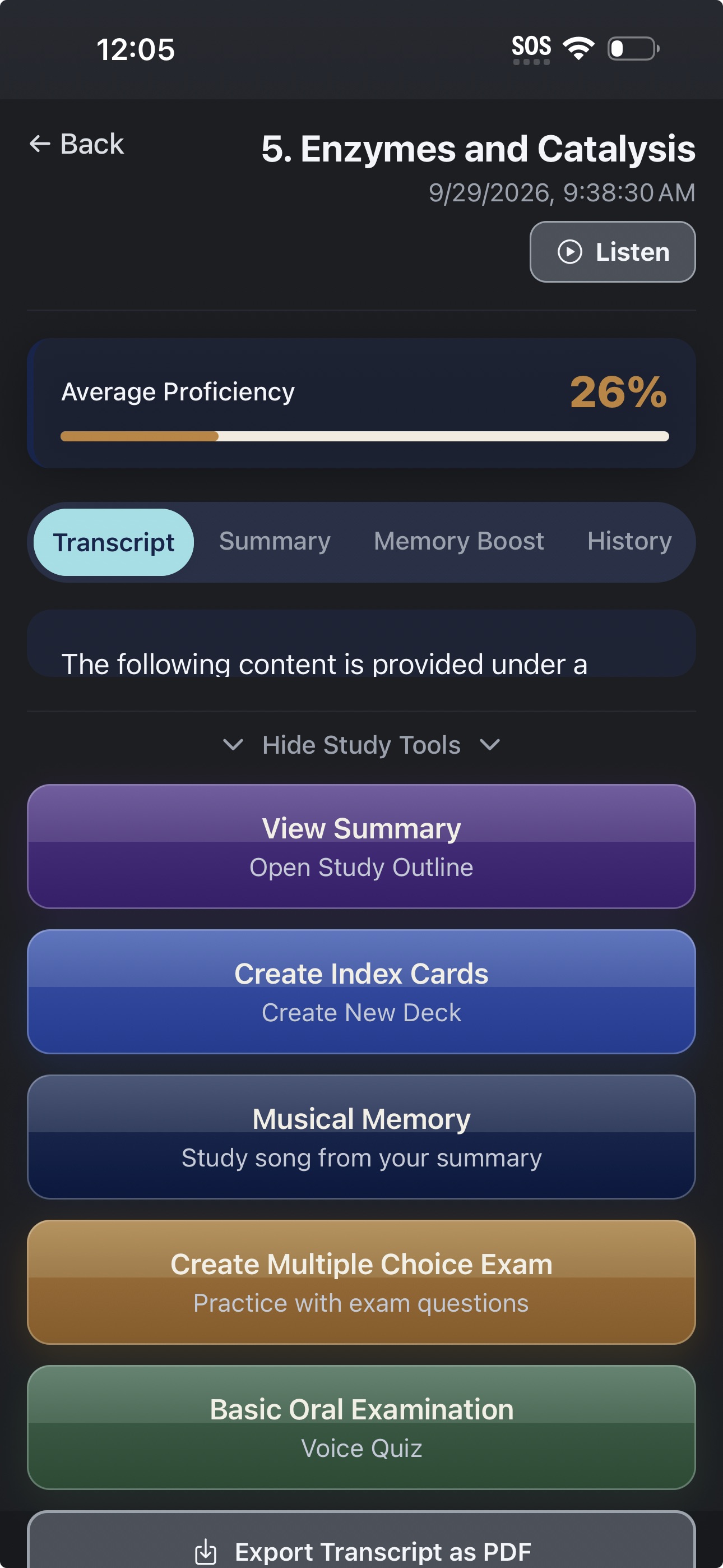
Fusion lecture screen with study tools, including Create Index Cards to make a new flashcard deck
Sapphire essence — memory & focus

Flashcards with spaced repetition, built for you.

Generated

From outline to deck.

Create a new deck from any lecture. Its concepts become cards you can drill.

Spaced repetition

Reviews on a schedule.

Cards come back for review on a schedule, so you spend time on what you are about to forget.

Yours to edit

The deck editor takes it from there.

Every card is editable. Split a card that asks two things, sharpen the wording, delete what you don't need.

Why your own cards help

Cards cut from the lecture you sat through.

A deck built from your own lecture follows your course: the same terms, the same order, the same emphasis. Already have decks elsewhere? Import and export Quizlet and Anki decks.

Then take a practice test →
On a lecture screen
  • ▸ View Summary: open the study outline
  • ▸ Create Index Cards: a new deck from the outline
  • ▸ Musical Memory: a study song (Fusion plan)
  • ▸ Create Multiple Choice Exam: practice questions
  • ▸ Basic Oral Examination: answer out loud, graded
The tool list on a Fusion lecture screen
Next stage

When the deck feels easy, test yourself.

Share any deck by link or code
AI practice tests → All of Fusion